Free URL Shortener (with Google Sheets bulk + click analytics)
Shorten a link in seconds. If you manage links for campaigns, clients, or spreadsheets, QLink helps you create short links in bulk and pull click stats back into Google Sheets.
Tip: If you just need one link, use the web app. If you need bulk links + reporting, install the Sheets add-on.
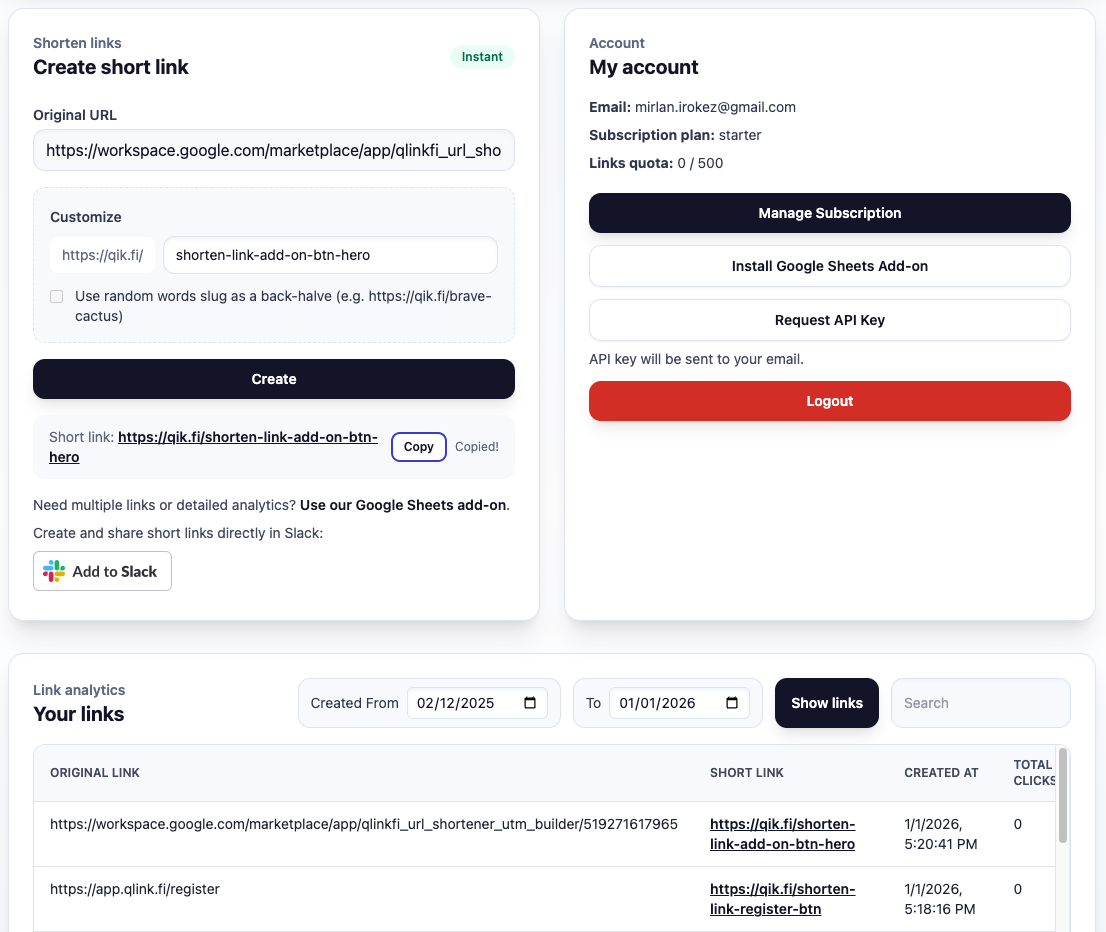
To get detailed click statistics and create links in bulk use Google Sheets extension.
What is a URL shortener?
A URL shortener turns a long link into a short, shareable URL (for example, for social posts, emails, QR codes, or ads). Many teams also use short links to track clicks and keep campaign URLs consistent across channels.
Short links look better in messages and documents, and they’re easier to copy/paste.
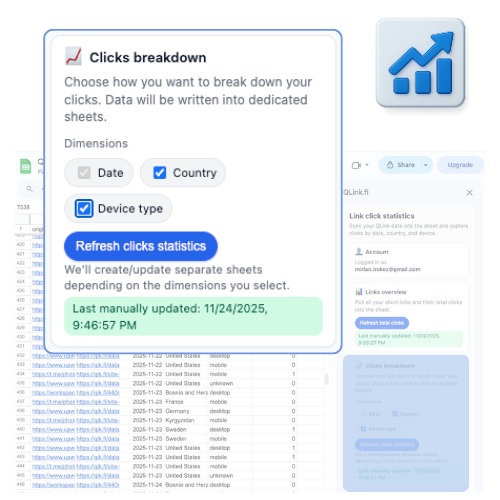
Many shorteners show clicks. QLink goes further by exporting click data into Google Sheets for reporting.
When a simple URL shortener isn’t enough
If you run campaigns, you don’t manage “one link” — you manage dozens or hundreds: different creatives, channels, influencers, countries, and A/B variants. Most URL shorteners force you into a separate dashboard, manual copy/paste, and messy reporting.
- • create links one-by-one
- • copy/paste into Sheets
- • analytics live elsewhere
- • reporting becomes manual
- • generate links in bulk in Sheets
- • keep UTMs consistent
- • export clicks back into the same sheet
- • build pivots/charts instantly
QLink vs typical URL shorteners
QLink is a URL shortener — but it’s built around Google Sheets workflows.
| Feature | Typical shortener | QLink |
|---|---|---|
| Shorten a link | ✅ | ✅ |
| Custom back-halves | ✅ | ✅ |
| Bulk link creation | ❌ / limited | ✅ in Google Sheets |
| Export click stats to Sheets | ❌ | ✅ |
| Analytics breakdown | Sometimes basic | Date / country / device |
| EU hosted | Varies | ✅ |
QLink also offers a Chrome extension for quick single-link shortening while browsing.
See the Chrome extension