Chrome Extension • One-link shortening • Powered by QLink
QLink Chrome Extension — Shorten Links in One Click
Create a short link from any page you’re browsing — using your QLink account. Perfect for quick sharing. For bulk links and campaign reporting, use the Google Sheets add-on.
Tip: Use the extension for single links. Use Google Sheets for bulk link creation and campaign reporting.
What the extension does
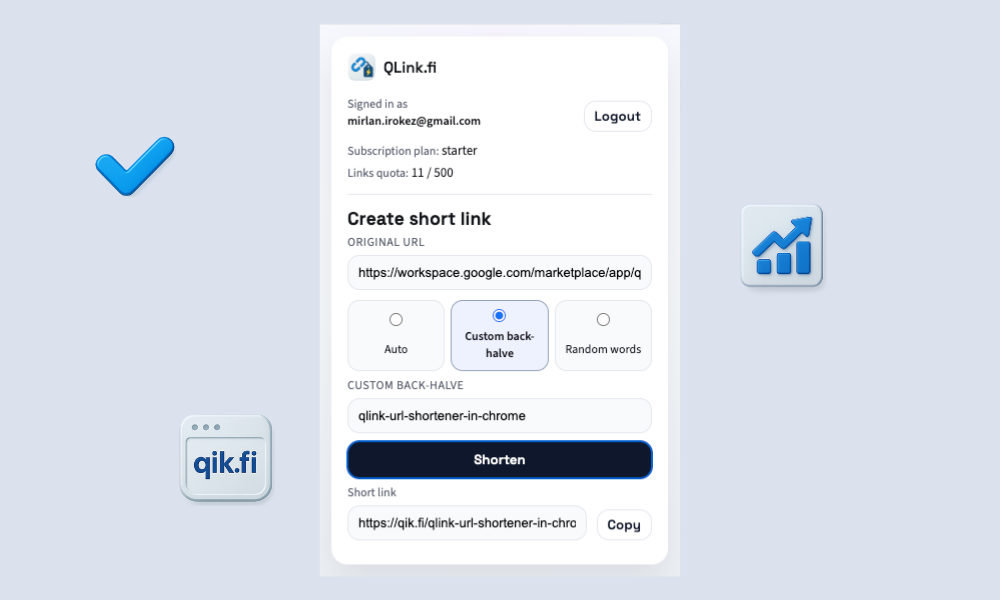
The QLink Chrome extension helps you create a short link from the page you’re currently viewing. It’s built for speed: open the extension, confirm the URL, and generate a short link using your QLink account.
Shorten the current page or paste a URL — no tab switching, no copy/paste gymnastics.
Create cleaner, more memorable links for sharing (for example, campaign-friendly endings).
Copy your new short link with a single click — ready for Slack, email, or docs.
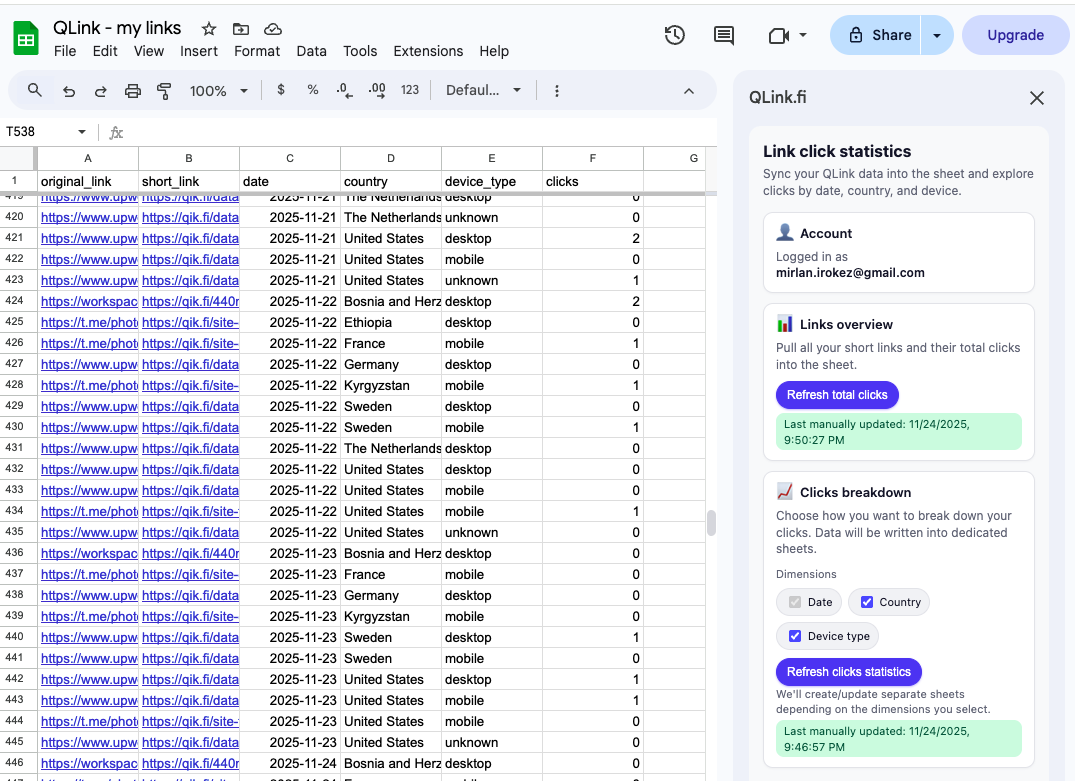
Your links live in your QLink account, so you can view click stats and export analytics in Google Sheets.
Get started in minutes
Install the extension, sign in to QLink, and create your first short link.
Install from Chrome Web Store
Click “Add to Chrome” and pin the extension for quick access.
Sign in to your QLink account
The extension uses your QLink account to create and manage links.
Shorten the current page
Open the extension on any website and generate a short link. Copy it instantly.
Need bulk links or campaign reporting?
The Chrome extension is ideal for creating a single short link fast. If you manage campaigns, you’ll eventually need bulk creation and analytics inside a spreadsheet. That’s where the QLink Google Sheets add-on shines: generate links in bulk, keep UTMs consistent, and export click analytics (date, country, device) back into your sheet.