Templates
Free Google Sheets Templates for Campaign Link Tracking
Practical spreadsheets you can copy and use immediately - designed to work perfectly with QLink for bulk short links, UTMs, and click analytics inside Sheets.
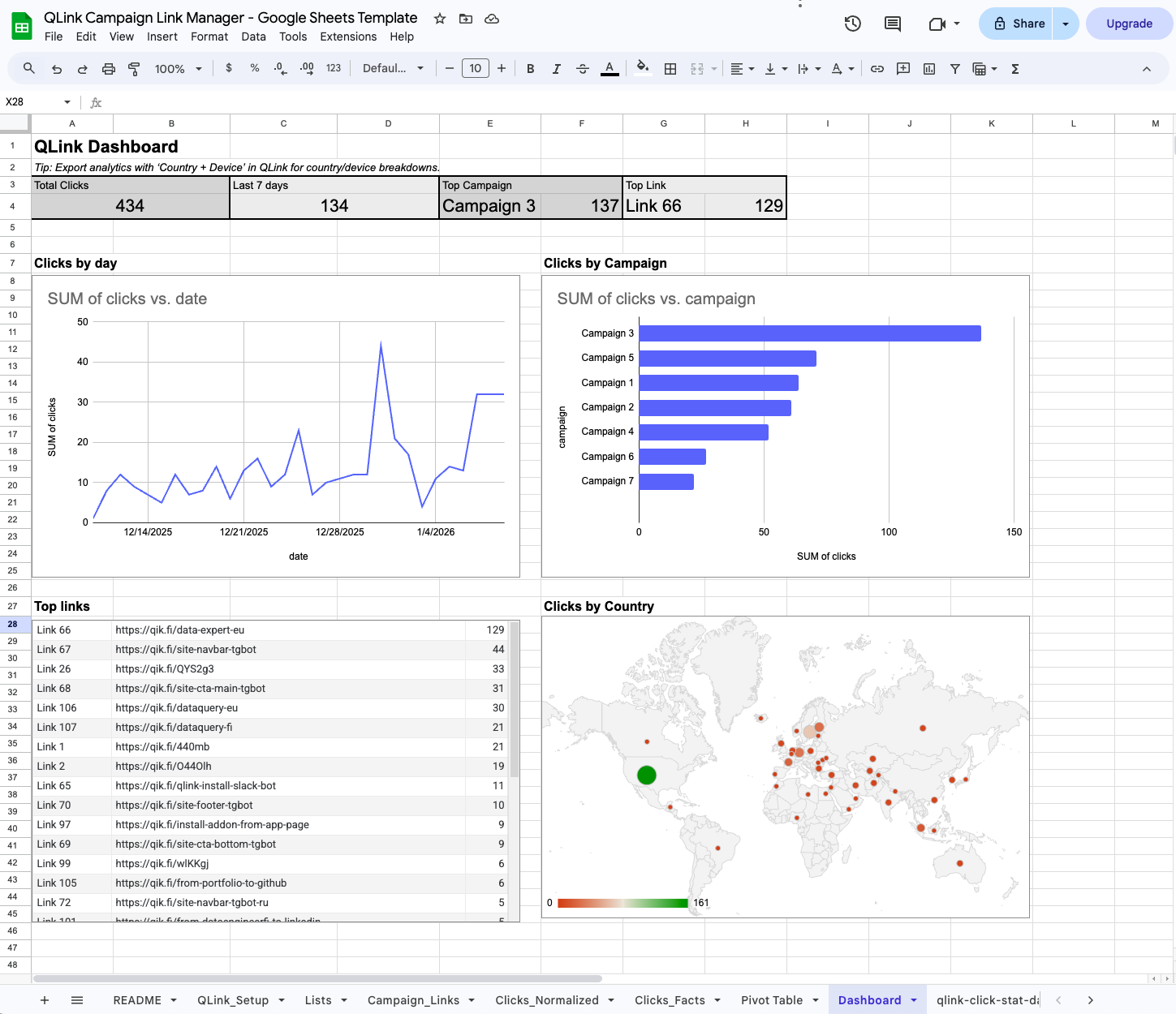
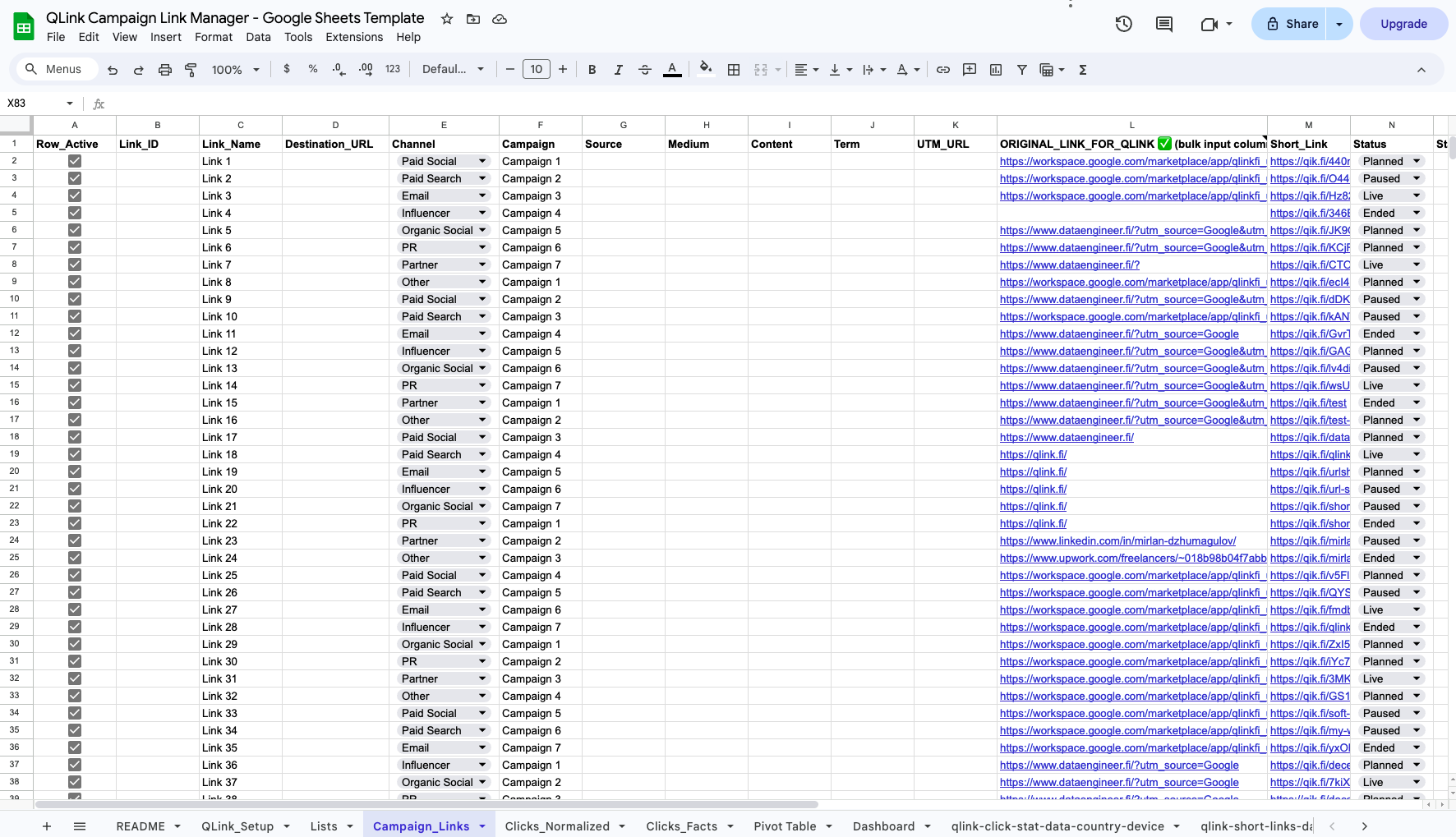
Campaign + channel structure, ready for pivots and reporting.
Bulk short links + click analytics written back into the sheet.
No ads, EU-hosted infrastructure, simple workflow.
Available templates
Start with our first template and we’ll expand the library over time.
Campaign Link Manager
A simple, scalable spreadsheet to manage campaign links: UTMs, bulk short links, and click stats (date, country, device) for reporting.
More templates coming
Next up: Influencer / partner link tracker, A/B test link tracker, and client reporting sheet.
How to use the template
In 3 steps: copy the sheet, generate links, and report performance.
Open the template and click “Make a copy” to save it to your Drive.
Install the QLink add-on and generate short links in bulk directly from the sheet.
Export click analytics (date, country, device) into the spreadsheet and build your report.