Campaign Links & Click Analytics — Inside Google Sheets
Create bulk short links with UTMs, share clean URLs with your team and clients, and pull click stats (date, country, device) straight into your spreadsheet. Built for marketers who live in Sheets.

The Smarter Way to Shorten Links in Google Sheets
Stop juggling spreadsheets, Bitly, and separate analytics dashboards. With QLink, you create campaign links (with UTMs), shorten them in bulk, and pull click data into the same sheet you use for planning and reporting. No more copy–paste, no more missing links.
Why QLink?
Built for people who live in spreadsheets and care about privacy.
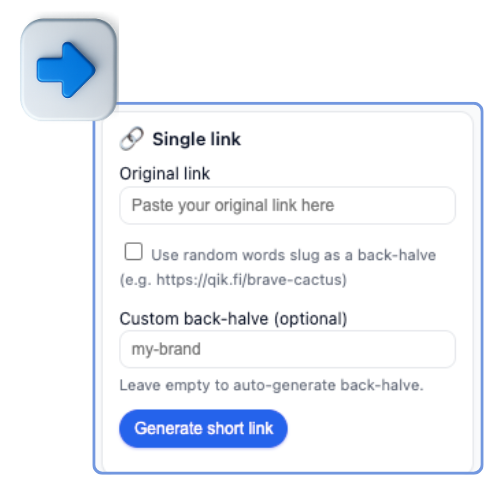
Make campaign links human-readable (e.g. /black-friday-fr) so your team and clients
instantly know what each link is for.
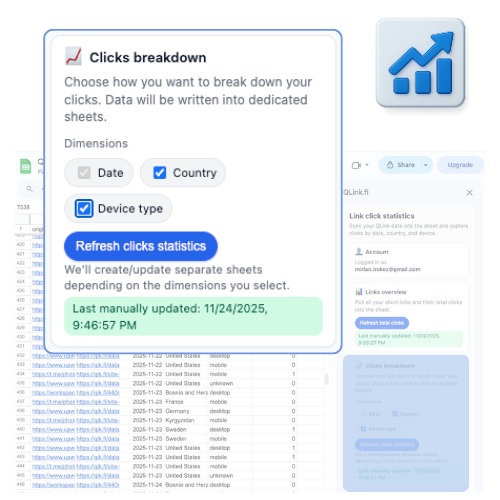
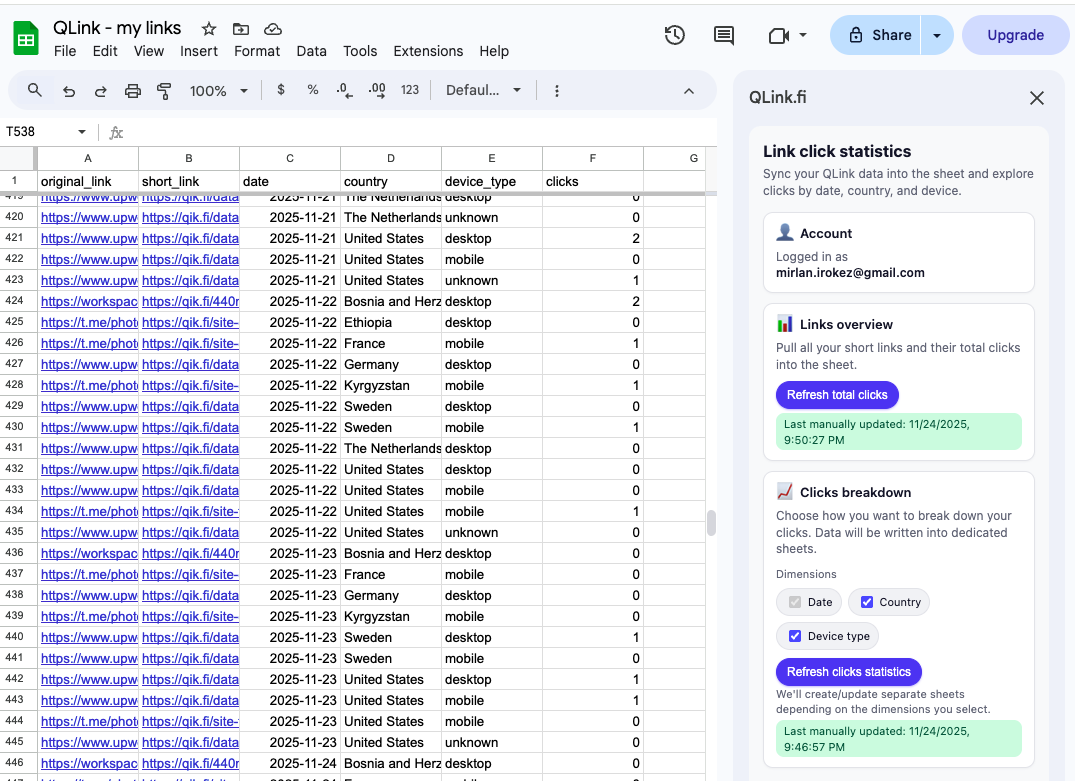
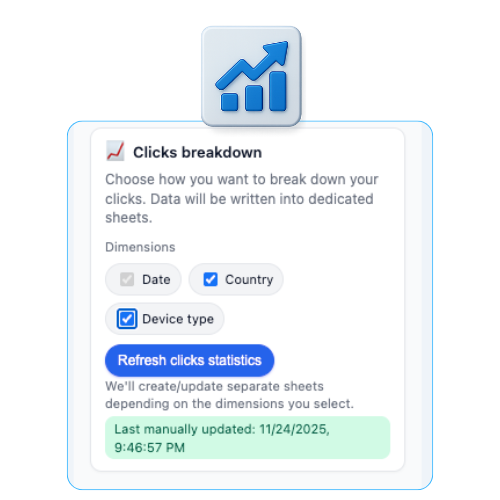
Pull click stats (date, country, device type) into your sheet, then use normal spreadsheet filters, pivots and charts to report performance.
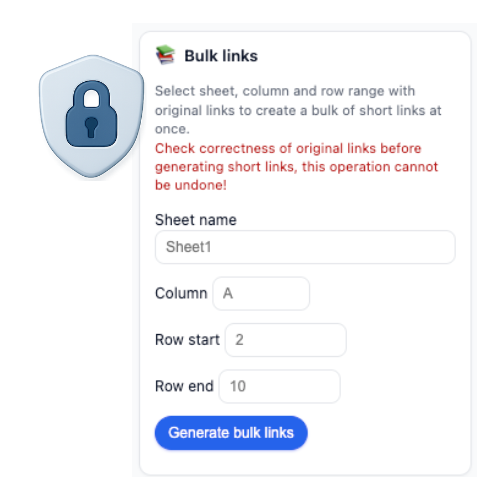
QLink doesn’t sell your usage data or show ads – on free or paid plans. Suitable for client work and internal reporting.
All data and services are hosted in the EU, aligned with GDPR requirements — ideal for EU-based teams, agencies and clients.
Built for Privacy, Designed for Teams
QLink is designed for teams who manage a lot of campaign links — agencies, growth teams, indie developers, and small marketing teams. Everyone on the team can use the same Google Sheet to plan campaigns, generate short links and monitor performance. No ad-tech tracking, no surprise redirects, and all data stored on EU-based infrastructure.
🧩 Get Started in Minutes
From add-on install to click tracking in a few simple steps.
Install the QLink Add-on
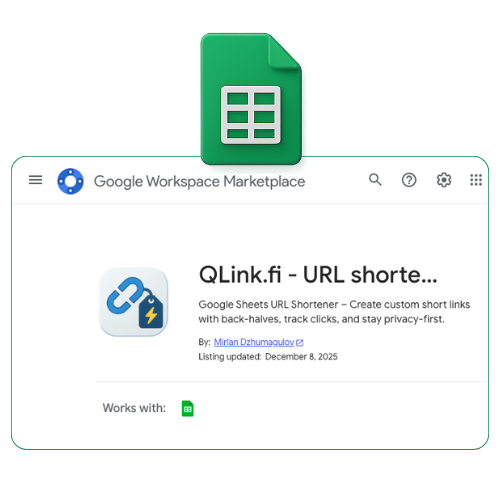
Add QLink to your Google Sheets from the Workspace Marketplace.
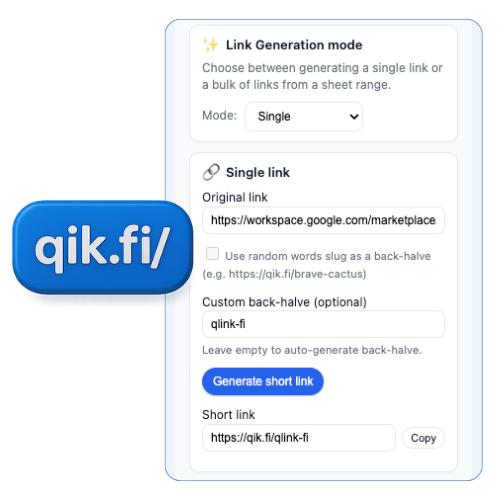
Shorten & Customize
Create new short links or update existing ones with custom back-halves.
Track Clicks
Check click counts and basic breakdowns directly inside your sheet.
Who is QLink for?
QLink works best when links are part of your daily workflow – especially if you already live in Google Sheets.
Create separate tabs per client, bulk-generate campaign links, and share performance sheets instead of screenshots.
Keep planning, link creation and reporting in one sheet. Perfect for paid, email and social campaigns.
Track launch links, feature announcements and experiments without spinning up a full analytics stack.
Flexible plans for businesses of all sizes
Match your link volume and analytics retention to your team’s needs.
For trying QLink on a small project
- • 50 total links
- • Unlimited clicks
- • Custom back-halves
- • Analytics: 7-day retention
- • Stats by country & device
For solo marketers & indie founders
- • No interstitials
- • 500 links / month
- • Unlimited clicks
- • Custom back-halves
- • Analytics: 30-day retention
- • Stats by country & device
For small teams and agencies
- • No interstitials
- • 2,000 links / month
- • Unlimited clicks
- • Custom back-halves
- • Analytics: 90-day retention
- • Stats by country & device
For larger teams with higher volumes
- • No interstitials
- • 10,000 links / month
- • Unlimited clicks
- • Custom back-halves
- • Analytics: 180-day retention
- • Stats by country & device
We don't store your card information. Payments are processed securely by our payment partner, including tax handling based on your location.
❓ FAQ
Answers to common questions about QLink and your data.
How many links can I create?
+
What does analytics retention (7/30/90/180 days) mean?
+
How are payments processed and are they secure?
+
Can I pay by invoice? Can I get a custom or enterprise plan?
+
What happens if I exceed my monthly link limit?
+
Where is my data stored?
+
What domains are used for short links?
+
How is QLink different from Bitly or other shorteners?
+
Contact us
Questions about plans, invoicing, or enterprise usage? Reach out and we’ll reply by email.